Why Traditional USB Drive Signage Is Obsolete
Many businesses, hospitals, and educational campuses still update their public lobby television screens using USB thumb drives. Staff members create a PowerPoint presentation, export an MP4 video, save it to a flash drive, and physically climb a ladder to plug it into the back of each TV. In a facility with 15 screens across multiple floors, updating content becomes an arduous half-day chore. Worse still, if a video corrupts or repeats endlessly, the screen looks unmaintained and unprofessional.
Modern visual communication demands centralized, cloud-managed software that turns any display into a smart dynamic billboard.
Step-by-Step Hardware & Android TV Setup
Deploying SanghTech Cloud Digital Signage Software takes less than 5 minutes per screen:
| Phase | Action Step | Technical Details |
|---|---|---|
| 1 | Hardware Mounting | Any Android TV (Android 9.0+) or Android TV Box / Firestick plugged via HDMI |
| 2 | App Installation | Download the lightweight SanghTech Signage APK directly or enter display web URL |
| 3 | Screen Pairing | TV displays a unique 6-digit pairing code (e.g. ST-9842) |
| 4 | Cloud Linking | Enter pairing code in your SanghTech web dashboard; screen pairs in 2 seconds |
| 5 | Playlist Assignment | Assign a layout, select video playlists, and tap "Publish to Screen" |
Multi-Zone Screen Splitting (Canvas Layouts)
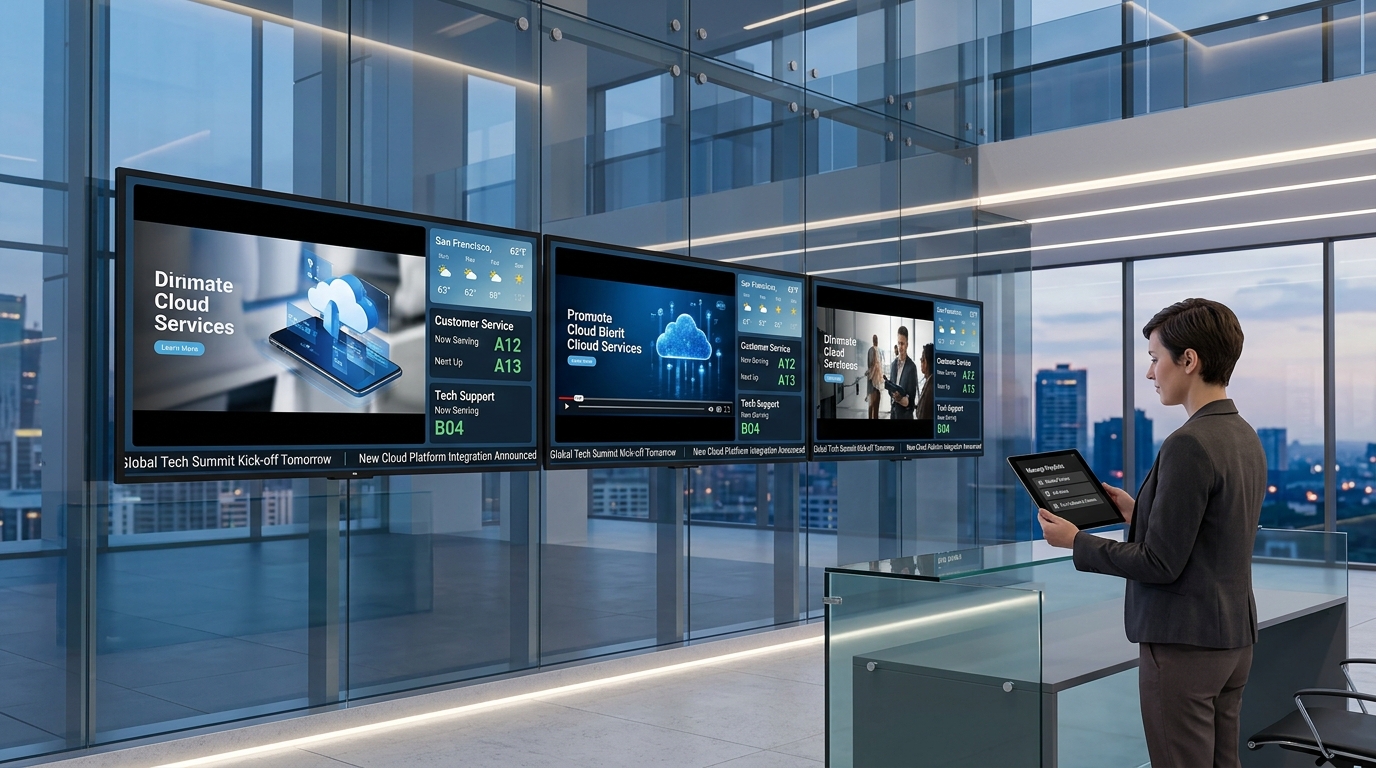
A single full-screen video loop quickly causes viewer fatigue. SanghTech empowers administrators to slice their 1080p or 4K screen into versatile, multi-purpose zones:
- Main Stage Zone (70% Canvas): Plays crisp 1080p promotional videos, brand awareness campaigns, doctor credentials, or corporate showreels.
- Sidebar Info Zone (30% Canvas): Displays rotating static infographics, upcoming doctor OPD timings, product pricing cards, or emergency directory contacts.
- Bottom Ticker Bar: A smooth, customizable scrolling ticker displaying breaking announcements, live token updates, or dynamic RSS news feeds.
- Top Status Header: Displays your corporate logo, live local weather widgets, and a synchronized digital clock.
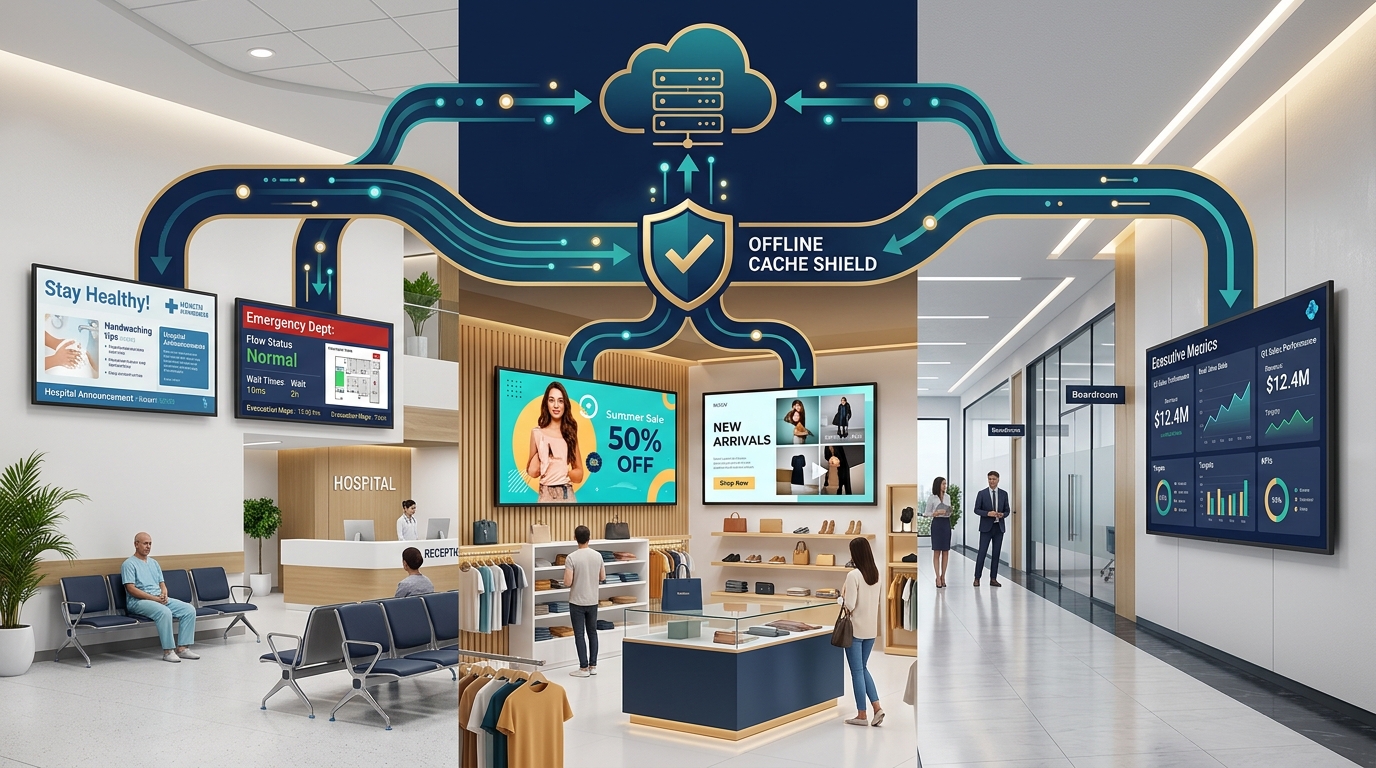
Technical Reliability: SanghTech Signage downloads all media assets into the television's local onboard flash storage. Even if your building loses Wi-Fi connection for days, your screens continue looping seamlessly with zero black screens or buffering wheels.
Transform your commercial screens into powerful visual communication assets with SanghTech Digital Signage Software.